Silver
Black and white | Lightroom presets | Web tool
The black and white I keep coming back to. Red-filter contrast. Crushed shadows. Grain you can feel. Three Lightroom presets, and the same looks free in your browser.
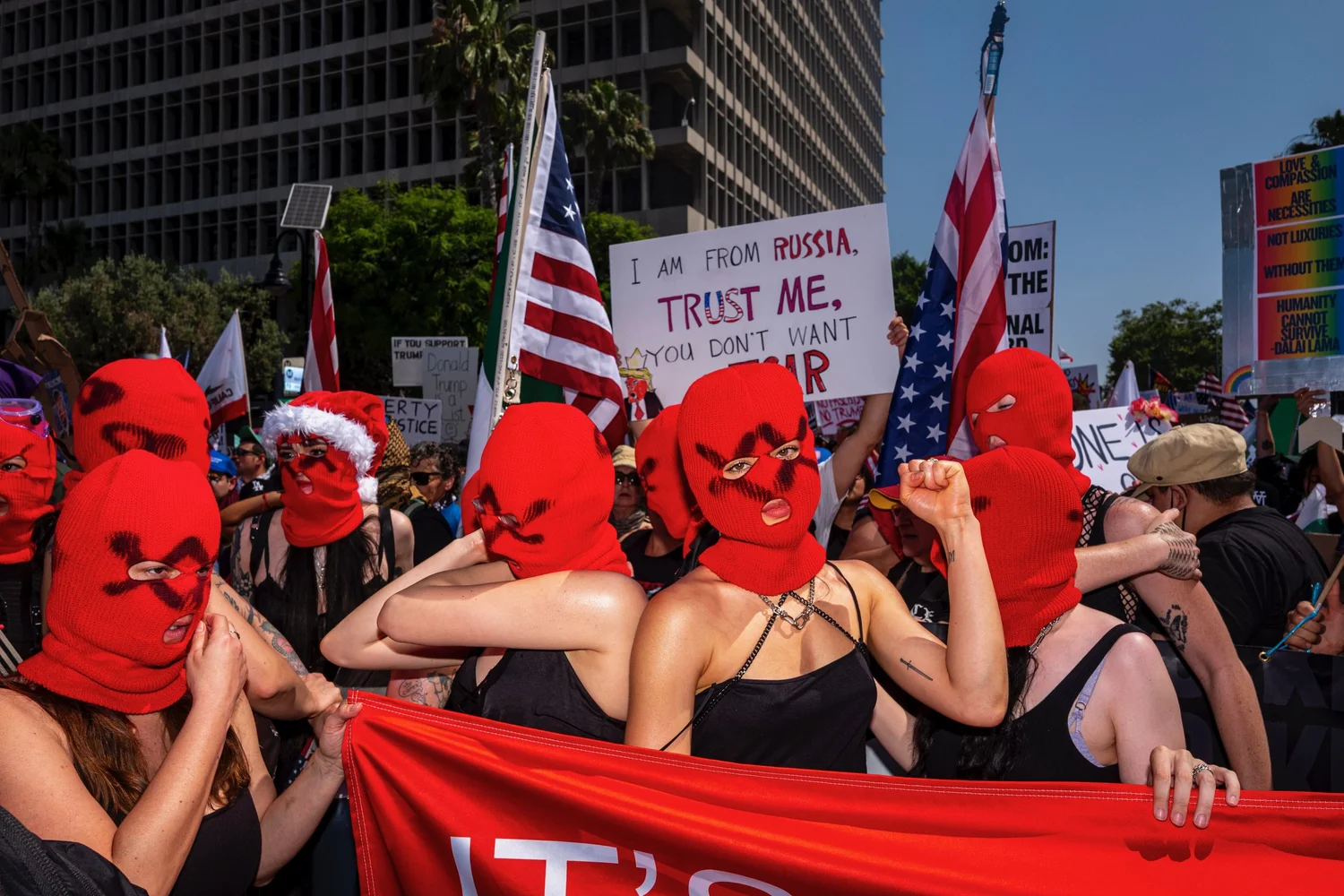

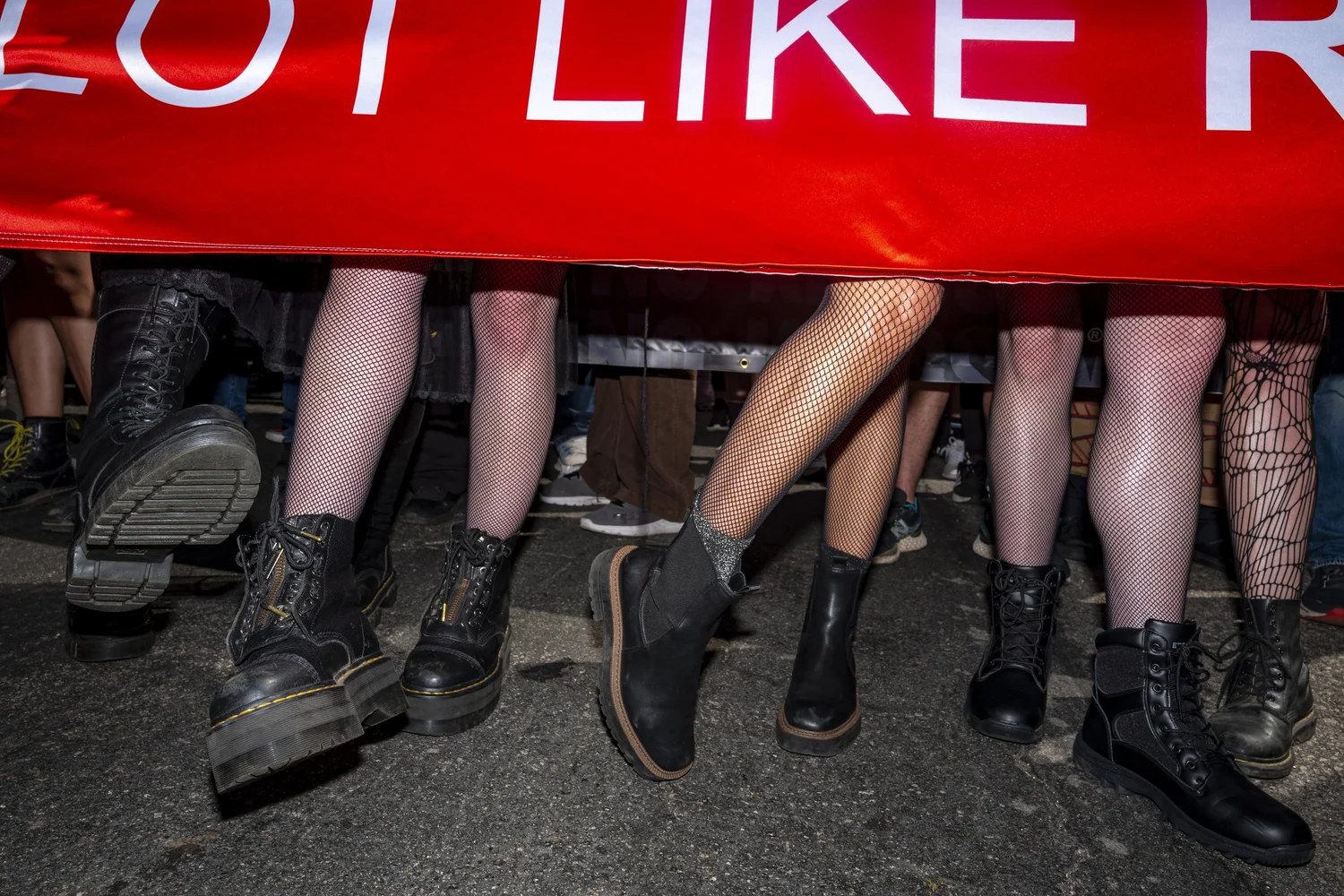


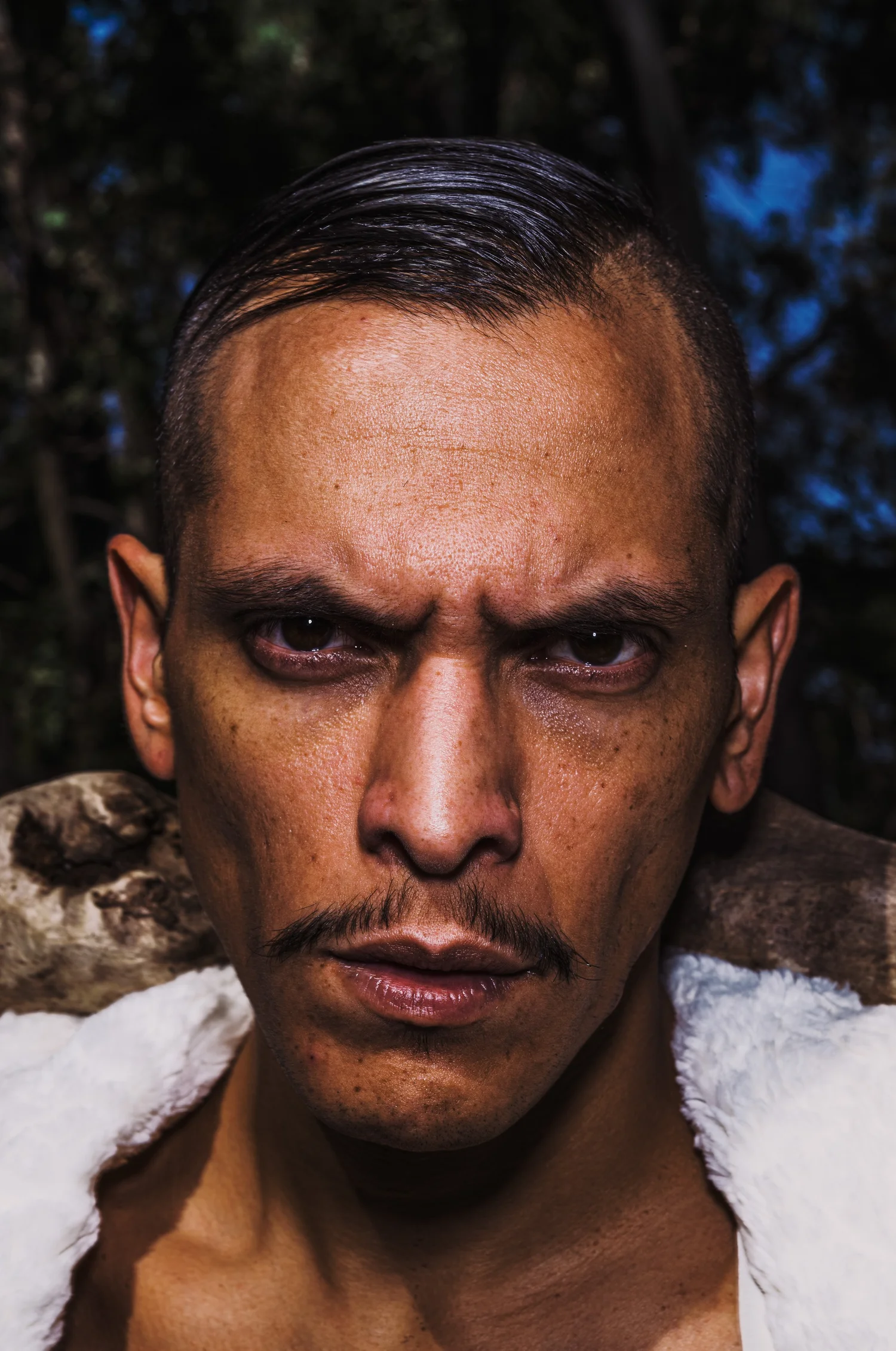
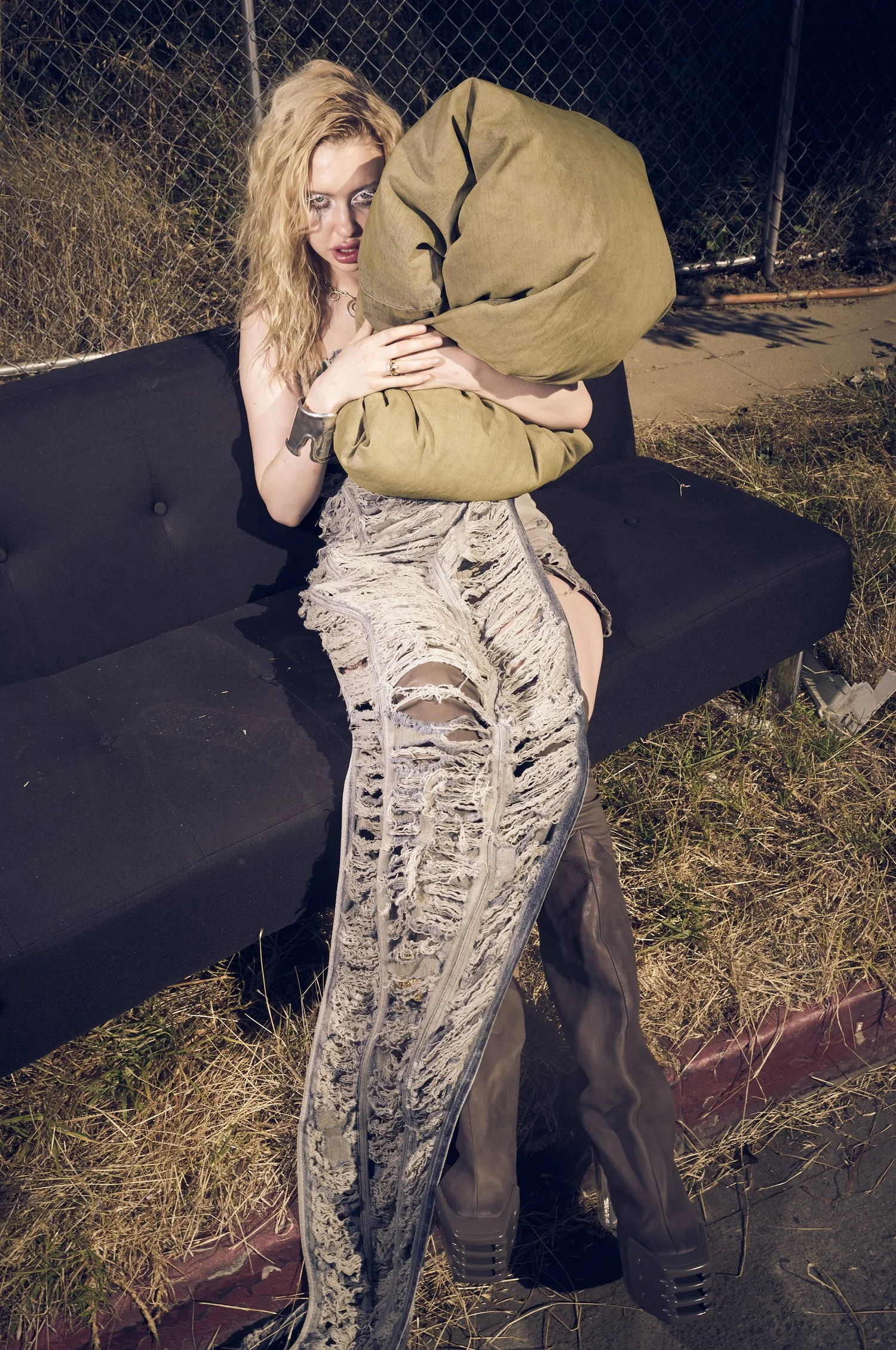
01 / 07
Hover to see it in Silver
The presets
$40 | Instant download
Three presets for Lightroom, Lightroom Classic and Camera Raw. They work on your raw files at full resolution and sync to Lightroom on your phone.
Buy the presetsThe web tool
Free
Runs in Safari on iPhone, iPad and Mac. Drop in a set of photos, pick a look, push it, export full size JPEGs. Your photos stay on your device.
Open the toolThree looks
- ProvokeRed filter. Skies go black. Crushed shadows, heavy grain, burned edges.
- Pushed Tri-XOrange filter. Punchy midtones. Grain you can see.
- Clean MonochromNeutral and quiet. For frames that should stay close to how they came out of the camera.
Installing the presets
- Lightroom on Mac or PC. Presets panel, the three dots menu, Import Presets. Choose the zip. They sync to your phone.
- Lightroom Classic. Develop module, the plus next to Presets, Import Presets. Choose the zip.
- Look under Silver. Every camera and every file is different. Adjust, then update the preset with your own settings.
Bil Brown | Los Angeles